

JointJS+ Custom Development
We will help you optimize your workflows by building custom JointJS+ features for creating graphs, flowcharts, and diagrams.
10 yrs
of experience in JointJS+ development
50+
custom JointJS+ projects developed
5/5
average rating from our clients in JointJS+ development
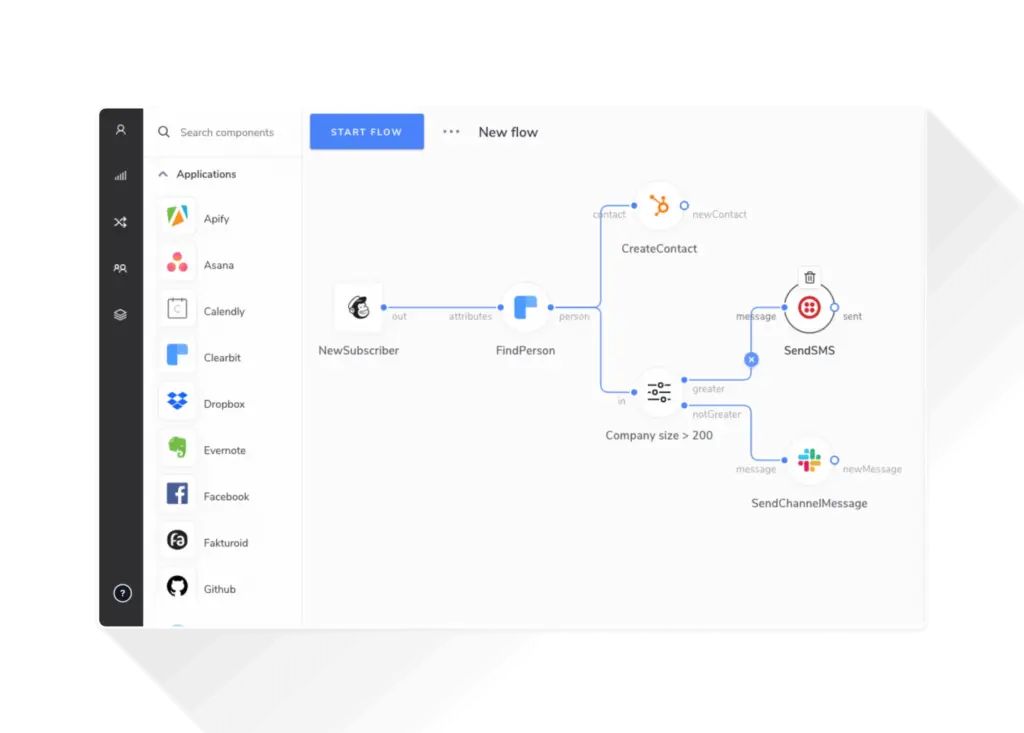
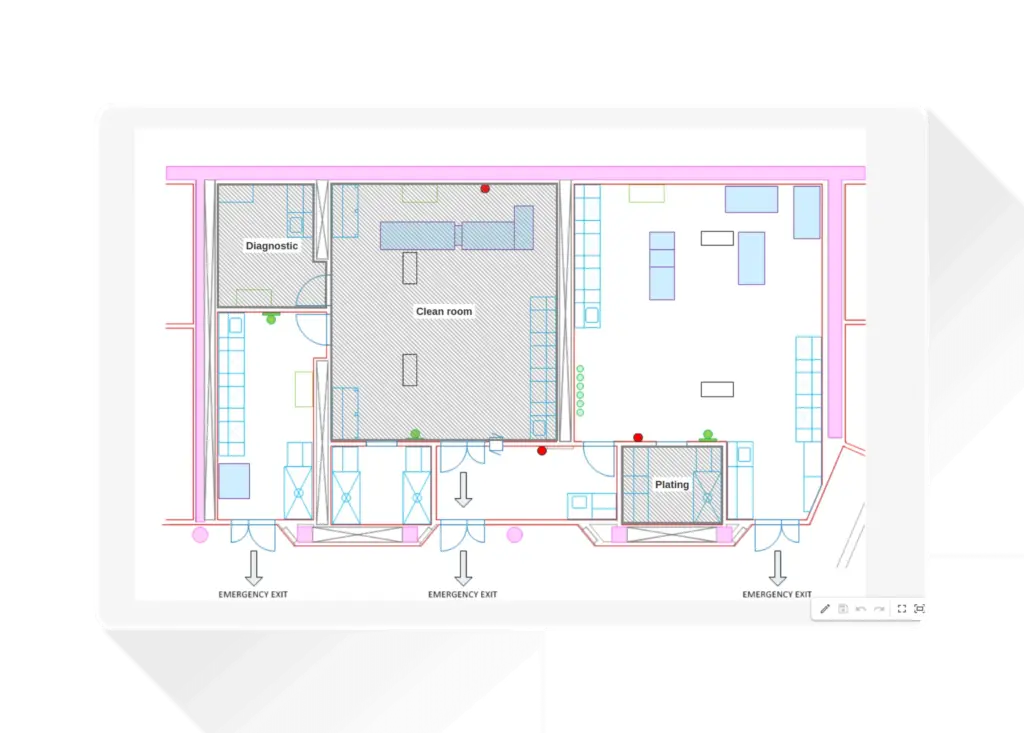
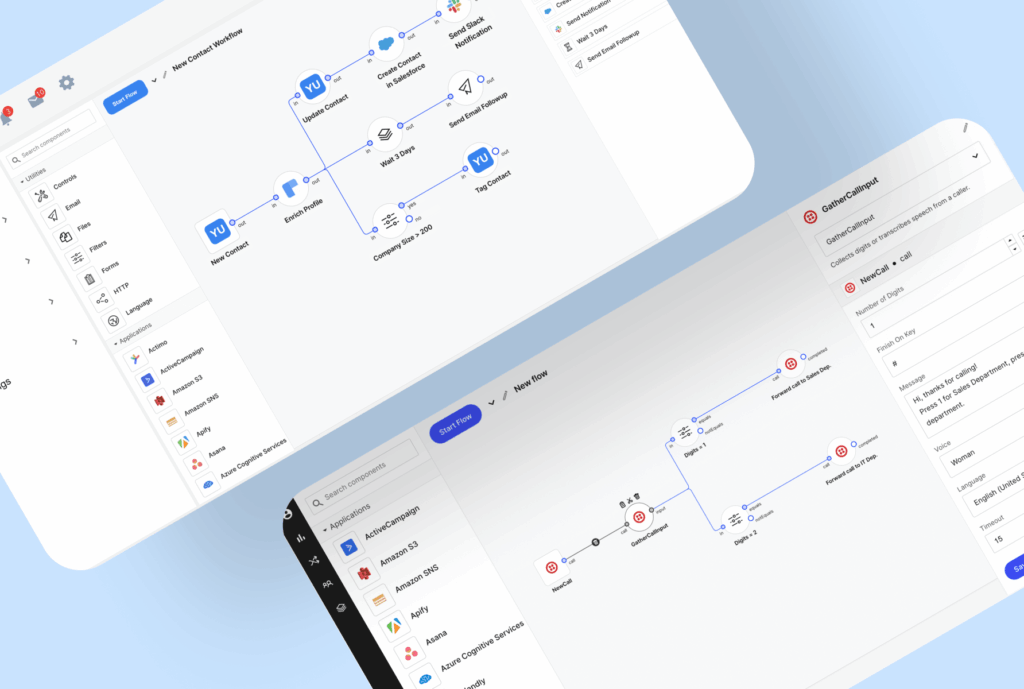
Examples of custom-built JointJS+ solutions
Let’s talk about your project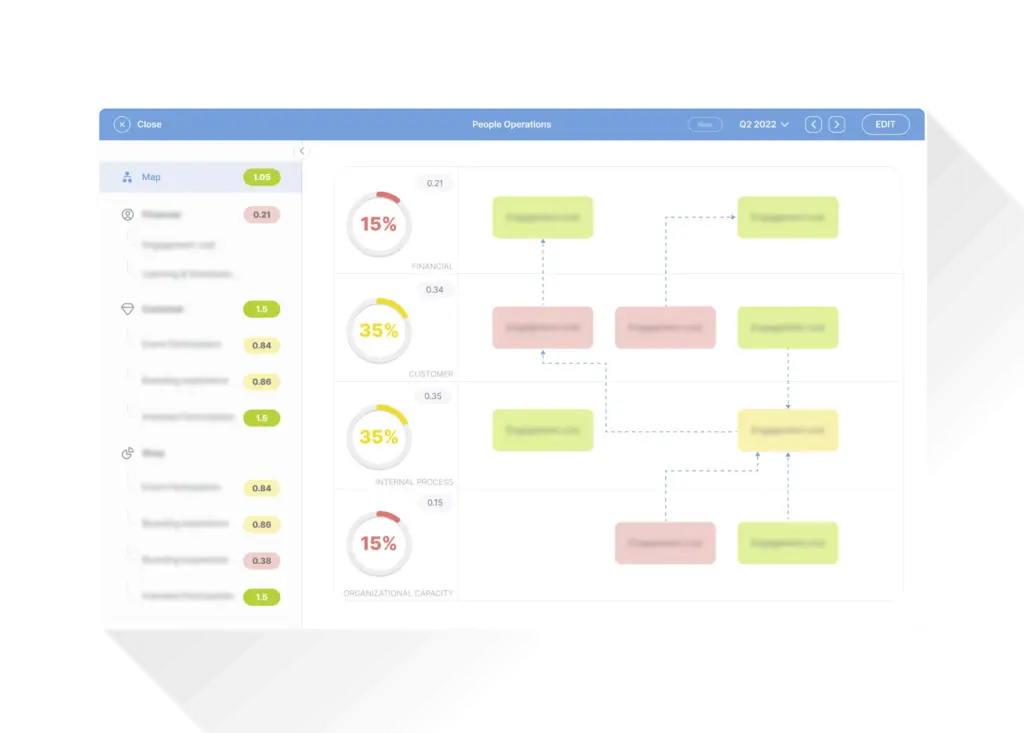




“We’re very impressed with the quality of their deliverables. The Neoteric team has a good sense of responsibility, professionalism, and they’re always quick to respond to our concerns.”
Head of Digital, Athletic Training Platform
We can help you develop:

Chatbot creator
Build an intuitive drag-and-drop JavaScript editor for creating chatbots.

UML Class diagram editor
Develop a JavaScript-powered editor for visualizing different types of objects.

Interactive org chart
Build a drag & drop editor to present and modify the organizational structure.

BPMN editor
A visual tool for modeling the steps of a business process from start to finish.

Dynamic flowcharts
Design, analyze, and document the flow of logic within a program or system.

Battle-tested team & process
A proven process polished over the years is an ace up our sleeve for making your product successful.1
Initial talk
First, we listen to your ideas and answer questions to set a good start for our cooperation.
2
Workshops
Then we run tailored workshops to set the details for your project resolution.
3
Design
Next, we create a solid and elegant design of your app to make sure your users will love it.
4
Development
Working hand-in-hand with you, we ensure your product is growing as you wish.
5
Maintenance
Updates & optimization? No problem. You can still count on us after your product’s launch.
6
Future projects
Years may pass, but we’ll always be here to help if you need us again.
Let’s talk about your project!
Frequently asked questions about custom JointJS+ development
What is JointJS+?
JointJS is a popular open-source library that provides a set of building blocks for creating diagramming applications in JavaScript. It is designed to work with modern web technologies, such as HTML5, SVG, and CSS, and it offers a wide range of features for creating and manipulating diagrams, including support for various elements like shapes, links, ports, and labels.
What are the advantages of using JointJS+?
Some of the advantages of using JointJS+ are:
- Cross-platform compatibility: JointJS is built using web technologies like HTML5, SVG, and CSS, making it compatible with modern web browsers across different platforms. This means your diagrams can be accessed and interacted with on various devices.
- Versatility: It offers support for various graphical elements like shapes, links, ports, labels, and images, allowing you to represent complex relationships and structures in your diagrams.
- Intuitive interface: JointJS simplifies diagram creation by enabling users to drag and drop elements onto the canvas. This interactivity enhances the user experience and allows for dynamic updates and modifications to the diagrams.
- Scalability and customizability: JointJS offers a flexible architecture that allows you to customize and extend its functionality according to your specific requirements.
To learn more, please visit JointJS+.
What can I build with JointJS+?
There are dozens of JointJS+ applications! It can be used for building chatbots, drag and drop flowchart editors, diagramming tools that allow users to create various types of diagrams, process modeling applications (BPMN) where users can design and visualize business processes and workflows, mind-mapping tools, organizational chart creators, network visualizations, and many, many more.
To explore different examples of apps and features built with JointJS+, please visit JointJS+ demos library.
Learn about other services offered by Neoteric
AI development services
Optimize internal processes or amaze your clients with custom AI-based products.
Digital product design
42% of startups fail because they build products that users don’t want to use. We’ll make sure you are not one of them!
Web app development
Get access to top web developers, kickstart your project & grow your product efficiently.
Haven’t found what you’re looking for? Let’s talk and see how we can help you.
Contact us: hi@neoteric.eu
Read our blog
GoJS vs. JointJS+ — The Comparison of Two Leading Diagramming Frameworks
GoJS and JointJS+ both support sophisticated diagramming applications, but differ in rendering, accessibility, customization, performance, and development effort. Compare these differences against the diagrams and interactions your product requires. A feature demonstration alone is insufficient: team experience, integration needs, and the cost of customization also shape the choice. JointJS+ and GoJS are two popular JavaScript…

Schematic Lab – Innovative Application for Electronic Circuits Design
We were approached by founders with an idea of creating a web application that will enable its users to design electric circuits. The presented product concept was convincing – there aren’t many tools for that and most of them are outdated.

Rappid for UI and More in Building Diagrams
If you are using JointJS and you need a user interface for building diagrams, Rappid is the answer to your needs. It provides almost every feature that you would need, like tooltip, toolbar, select box, halo (UI for creating links and cell manipulation), some algorithms for layout and pathfinding etc.